OnMusic Conducting
Connect to the Sound
A digital textbook for an online, face-to-face, or hybrid Music Conducting course. Instructors never pay and can request a free reviewer account and view all our courses without any commitment for 60-days!
Please note student purchases are only for students enrolled to take courses at a college or university.

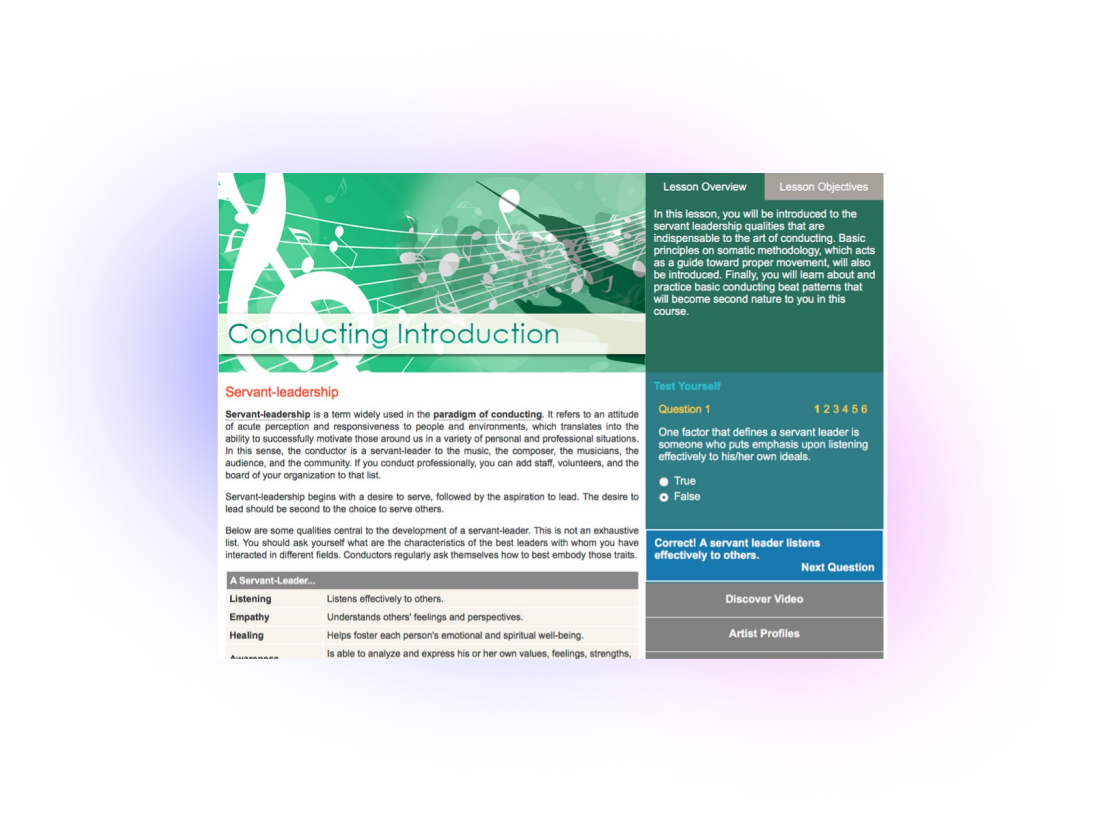
Connect to the Sound is a new and innovative approach to conducting pedagogy, with comprehensive coverage of key competencies including leadership, somatic methodology, baton technique, score literacy, prep & analysis, rehearsal methods, emotional vocabulary, and more. Written by Maestro and Professor Paul Hostetter, Connect to the Sound features a complete web-based text, extensive streaming music, integrated video library, innovative video assessment technology, comprehensive assignments, quizzes and exams, music scores & parts, instructor’s guide, and more.
This webtext features seamless integration of text, music, and testing – designed for the utmost instructor efficiency and best possible student experience.
Integrated Resources
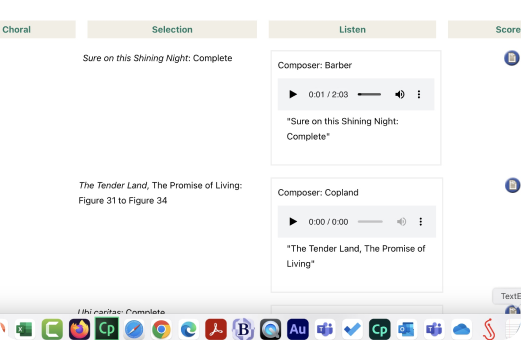 Includes 50 scores for printing or viewing online – 25 instrumental and 25 choral. Instrumental scores come with parts in common transpositions.
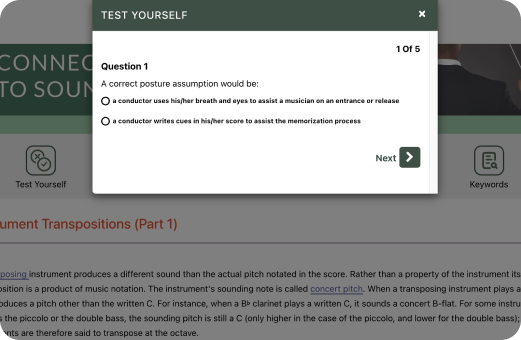 Every section has a Test Yourself option so students can practice what they've learned.
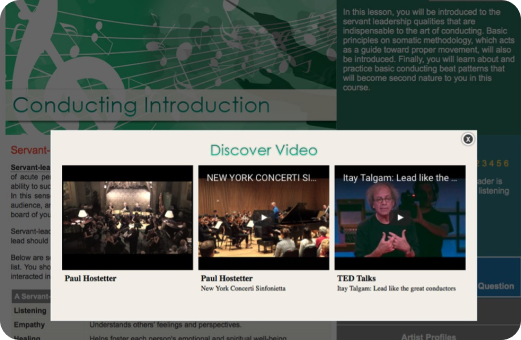 Includes 47 exclusive videos made specifically for this title, plus many embedded YouTube videos as additional teaching/learning resources.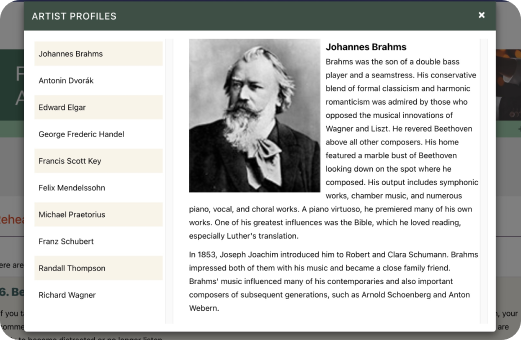
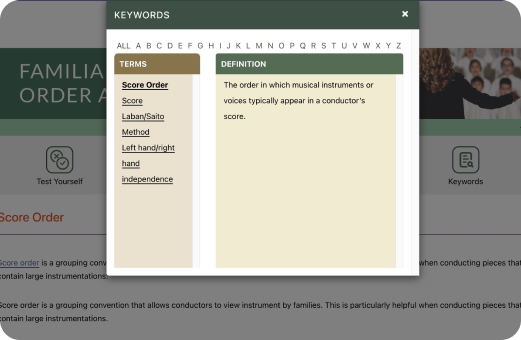
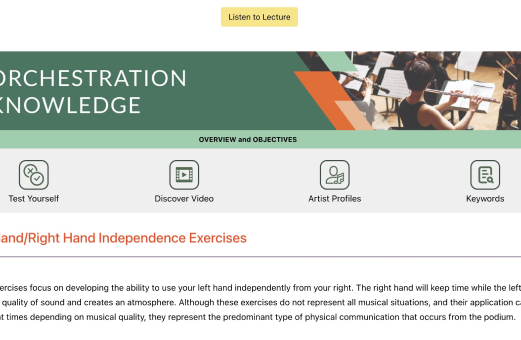 On all pages, there is a Listen to Lecture button whereby students can choose to listen to the words on the screen rather than read them.
Additional Features
Customization: All our courses are on a powerful, yet easy-to-use courseware platform. Instructors can add, remove, and edit content, assessment material, and assignments at will, or leave it as is for a great out of the box experience.Integration: Although our platform is a Learning Management System (LMS), all our courses can easily integrate into other major LMS platforms.
Support: Our support team is available for you and your students every step of the way.
Start Using OnMusic Conducting Textbook in Your Classes Today!